
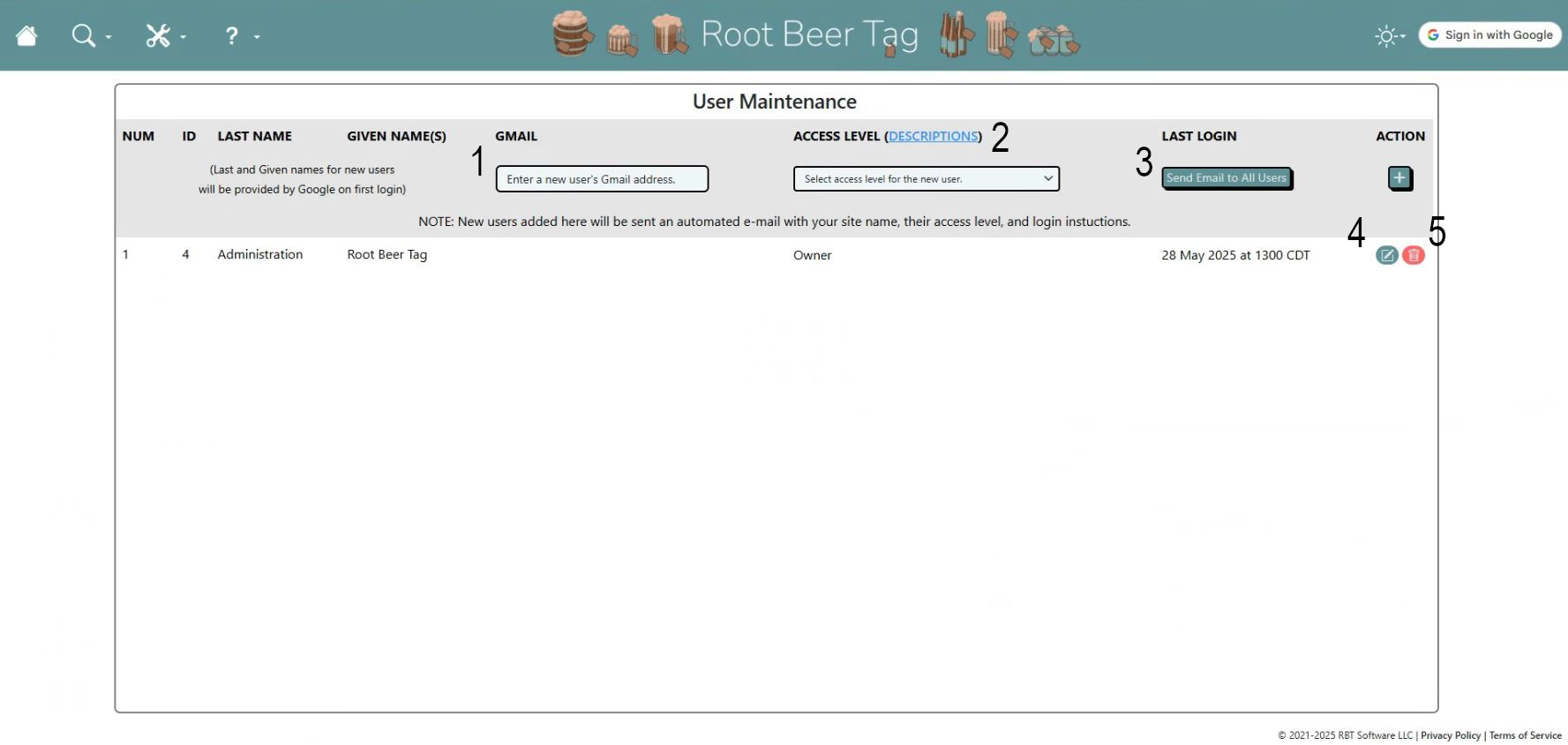
Here are a few highlights:
- Adding a new user is as easy as typing in their Gmail address in the blank at the top of the table, selecting their access level, and clicking the plus icon.
- When a new user is created, they are automatically sent an e-mail with the site address, their access level, and login instructions.
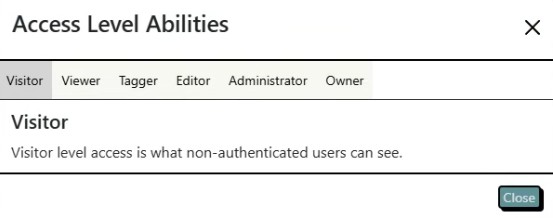
- Clicking on the DESCRIPTIONS link at the top of the table fires a secondary pop-up that describes what each of the user access levels is able to do.
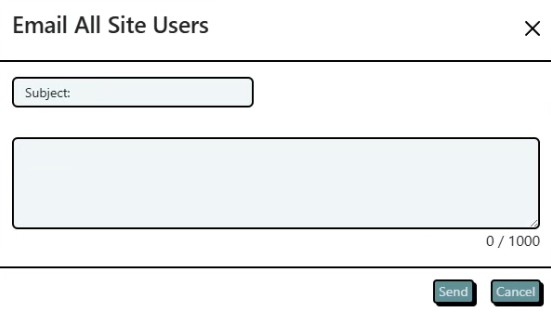
- If site owners want to send a mass e-mail to all of their users, they can click on this button, which opens the dialog below.
- If needed, site owners can edit a user’s access level by clicking on the edit button in their table row.
- To delete a user, simply click on the red trash icon in their row in their table row.
If videos are more your speed, here’s a video that also explains the features of this page and how to use them.
This page last updated on 19 February 2026 by Bill Anderson