
Starting in March of 2026, Root Beer Tag now supports using Apple ID authentication as well as Google authentication. Also, logins are now handled in a separate pop-up window, which closes when the login is complete. Here are a few details on both.
New Login Button
Instead of the “Sign in with Google” button, there is a new generic login button at the top right of every Root Beer Tag page.
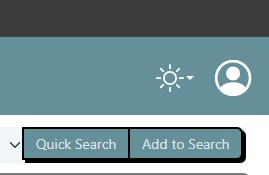
Clicking on that button opens this new login page in a new, smaller window.
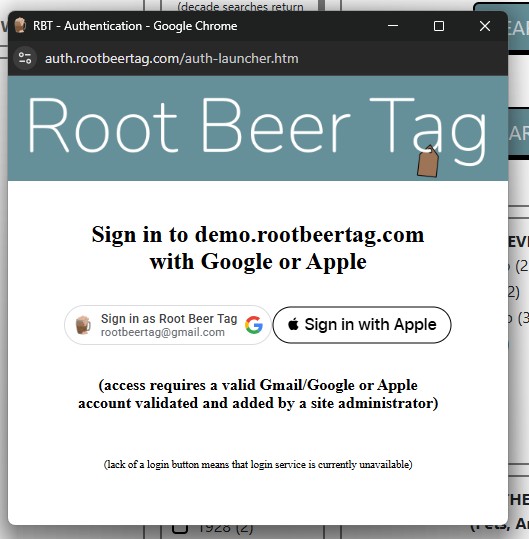
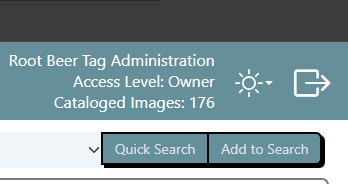
From here, users can select either Google or Apple to log in, whichever one their user was added with. Yes, Root Beer Tag now supports logging in with Apple ID authentication. More on that in a little bit. Once users are logged in, the pop-ups close, and their information is displayed as it always has been alongside the dark/light toggle and the logout button.
One more note on the new login process. If one of the buttons is missing from the pop-up, it is because that service is not available at the time. For example, if you’re on a work computer and your organization blocks all Google authentication services.
Apple ID Logins
As with Google logins, users wanting to use Apple ID logins need to be added to the site. During the user add process, site owners are now asked to choose between Apple or Google as the user’s source.
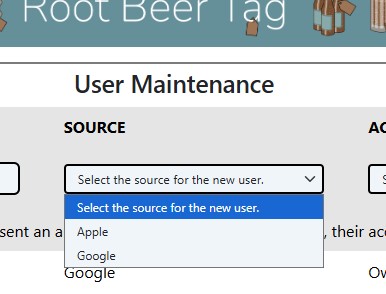
Users can have both Apple ID and Google logins for the same site if they wish, even with the same e-mail address. However, the logins both need to be added to the site. For example, users with only a Google login configured on the site have to use that login for the site; they cannot use an Apple ID even if they have one. The opposite is also true.
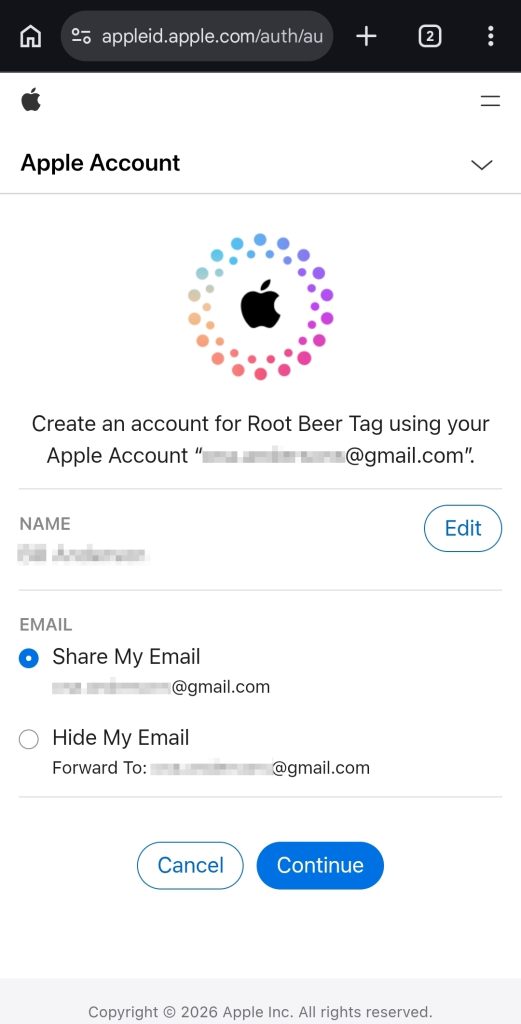
One more note on the Apple ID login process: when users first log in with Apple, they are given the chance to hide or share their e-mail (as shown below). Users NEED to share their e-mail during this process so their Root Beer Tag account will work properly. If they opt to edit their Name, that’s fine; it will be displayed at the top right with the rest of the user’s information. Just the e-mail needs to match.
If you have any issues or questions we haven’t answered, please let us know at rootbeertag@gmail.com
This page last updated on 1 April 2026 by Bill Anderson